CV as PDF
Professionally laid out and ready to send.
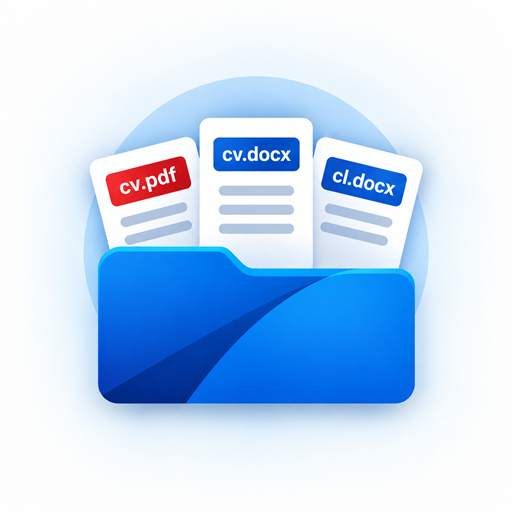
You receive your professional CV as a PDF and an editable DOCX file – together with a matching cover letter template. Pay once, then edit, update and reuse the files yourself. No subscription.
For Android · One-time purchase per document package · No subscription
You can use the PDF directly for your application. The DOCX files keep you independent and allow you to edit your documents yourself later.
Professionally laid out and ready to send.
Editable in compatible word processors, so later changes do not require another purchase.
A visually matching template that you can tailor to every application.
Add your information at your own pace, view a free preview and only then decide whether you want to buy the selected document package.
Add your work experience, education, skills and other CV information.
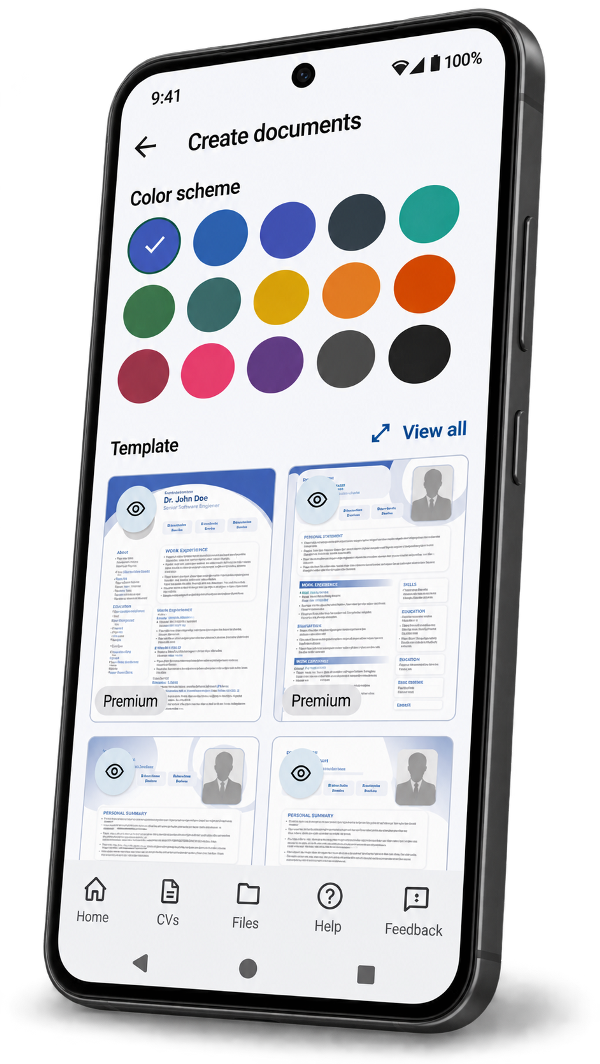
Compare templates and colour schemes in the preview.
Buy the selected document package securely through Google Play.
After saving, you can adapt the DOCX files yourself, save them as PDFs and print them.
After viewing the free preview, you decide whether to buy the selected document package.
Once created, you can adapt the editable DOCX files yourself, save them as PDFs and reuse them. There are no recurring charges.
Your CV information remains stored locally in the app. Only the data required to create a preview or your documents is transmitted securely for processing.
Your CVs and settings are kept in the private app storage on your Android device.
Generated files are saved in the Android document folder you select yourself.
The app has no user account and uses no advertising, user tracking or analytics services.
No. Once your documents have been created, you also receive the CV and cover letter template as editable DOCX files. You can change, print or export them to PDF yourself afterwards.
You receive a DOCX template that visually matches the CV. You write the content to suit the specific vacancy and company.
No. You do not need a user account to use the app.
Before creating documents for the first time, you select a document folder through the Android system dialog. The app saves your generated files there.
You will find relevant help on every screen. You can also send feedback directly from the app.
Enter your details, compare the templates and decide only after viewing the free preview.